DocSend + Perplexity Computer: Turn document engagement into action with AI
Today, we’re excited to announce that DocSend is available as a connector in Perplexity Computer, powered by the DocSend remote MCP (Model Context Protocol) server. Mutual customers can bring their DocSend data—including pitch decks, data rooms, Spaces, and engagement analytics—directly into their AI workflows.
Perplexity Computer brings the intelligence to understand information and act on it. DocSend brings the secure documents and engagement signals that move deals forward. Now they work together.
Today, we’re excited to announce that DocSend is available as a connector in Perplexity Computer, powered by the DocSend remote MCP (Model Context Protocol) server. Mutual customers can bring their DocSend data—including pitch decks, data rooms, Spaces, and engagement analytics—directly into their AI workflows.
Together, DocSend provides the trusted content, permissions, and engagement data behind your most important deals, while Perplexity Computer helps you ask questions, connect information, and turn insights into action. Instead of switching between tabs to review activity and plan your next move, you can simply ask Computer.
Why we built this
For founders and deal teams, documents are more than files—they’re signals. DocSend shows who opened a deck, where they spent their time, and whether they returned. Perplexity Computer can help interpret those signals, answer questions about them in plain language, and turn them into useful next steps.
This integration also gives teams a secure way to use AI with the tools and data they already trust. Computer accesses only the information available through each user’s DocSend account and plan, preserving DocSend’s existing permissions while making its document intelligence easier to understand and act on.
What you can do
With the DocSend connector enabled in Perplexity Computer, you can ask things like:
Understand engagement and prioritize opportunities
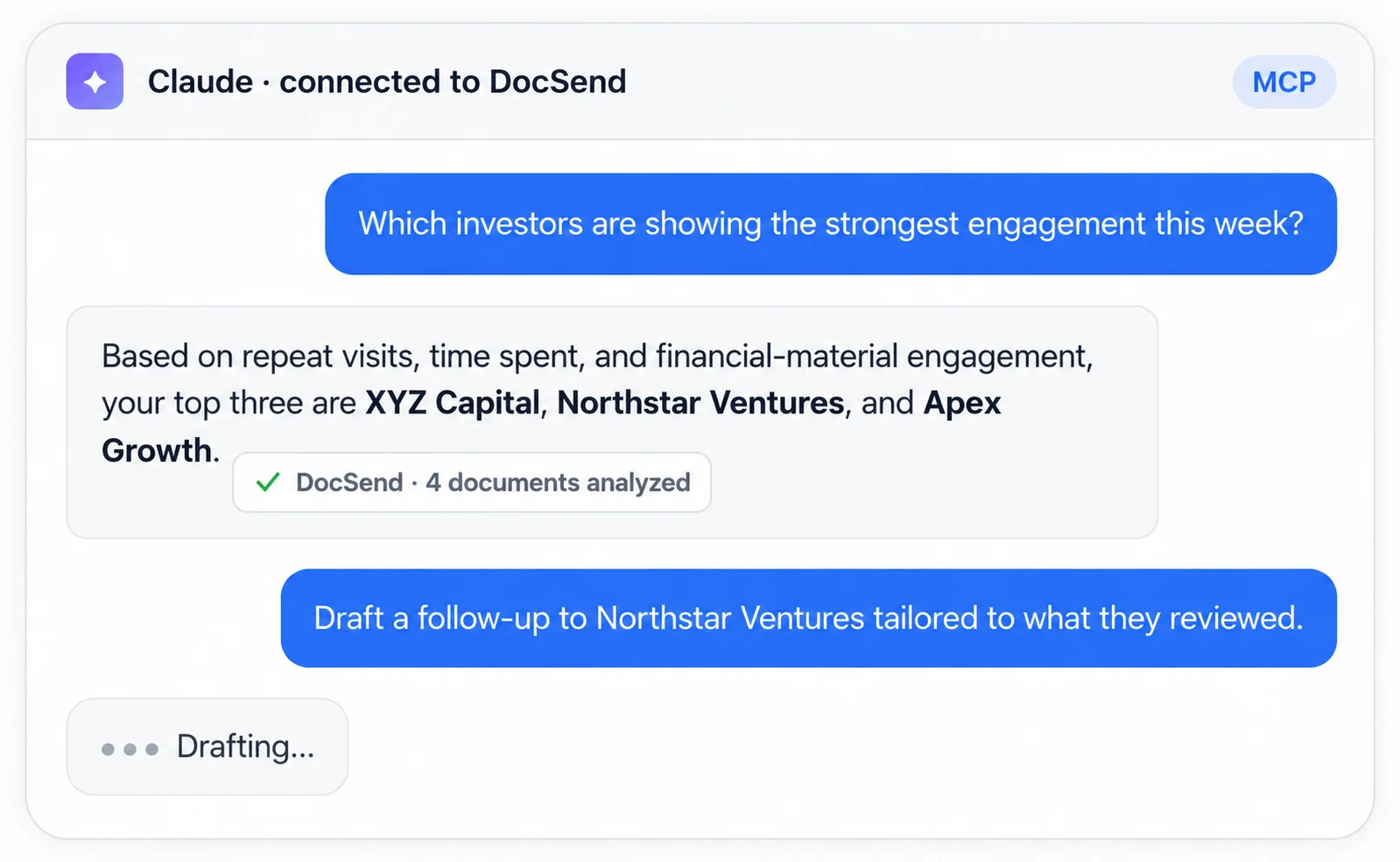
"Who has engaged with my pitch deck this week, and which investors spent the most time on it?"
Computer pulls visit and engagement data from DocSend and surfaces the investors worth prioritizing.
"Give me a summary of what happened in my data room over the last week."
Computer searches Space activity and audit-log events so you understand recent engagement at a glance.
Review documents and prepare for sharing
"Identify what documents are in my data room, and summarize the key points in my financial model."
Computer lists the contents of your Space and summarizes the document you point it to.
"Scan my data room and flag sensitive information that should be redacted before sharing with potential buyers."
Computer reviews your DocSend documents and identifies potentially sensitive information for you to review and redact.
Turn engagement into action
"Move prospects to the next stage in my CRM when their DocSend engagement meets my criteria."
Computer checks DocSend activity against your engagement criteria and updates qualifying prospects in your connected CRM.
"Draft a follow-up email to the three investors who viewed my Series A data room but didn't book a meeting."
Computer reads the DocSend analytics and writes a tailored follow-up for each one, ready to review and send.
Because the connector is built on DocSend's remote MCP server, every query respects the access and features already available through your DocSend account. You stay in control of your data; Computer just helps you act on it faster.
Built for founders — and for deal teams
We're investing heavily in financial services and enterprise use cases, and we're hearing a growing demand from deal teams for data room connector support and capabilities tailored to how they actually work. M&A due diligence, investor reporting, secure document review across counterparties. These are workflows where the combination of DocSend's secure sharing and tracking with Perplexity Computer's reasoning and automation can genuinely change how teams operate.
For mutual customers, this is a straightforward value proposition: bring the document intelligence you've already paid for in DocSend into the AI workspace where you're already doing your work in Perplexity Computer. Your licensed data, your permissions, your workflows — now with an AI assistant that can read, summarize, analyze, and act on them.
Availability
The DocSend connector for Perplexity Computer is available globally today for DocSend customers on eligible plans. To get started, connect your DocSend account from the connectors settings in Perplexity Computer and authorize access, then start asking.
If you're new to DocSend, you can start a free trial and connect it to Perplexity Computer in minutes.
The DocSend connector works with AI applications that support remote MCP servers and OAuth authentication. Access is limited to the information and features already available through your DocSend account and plan.
Informazioni sull'autore