Connect DocSend to your AI workflow
Securely connect DocSend to ChatGPT, Claude, or Microsoft Copilot so you can understand, summarize, and act on live deal content—without downloading documents or switching tools.

Tawnya Gilreath, Founder and Broker Associate
Turn insights from DocSend into next steps
Use your AI assistant throughout your deal workflow, from understanding stakeholder engagement to reviewing who has access.






An open standard for connecting AI to the tools you already use
MCP lets you securely connect your AI assistant to external tools like DocSend, allowing it to work with your most up-to-date information.



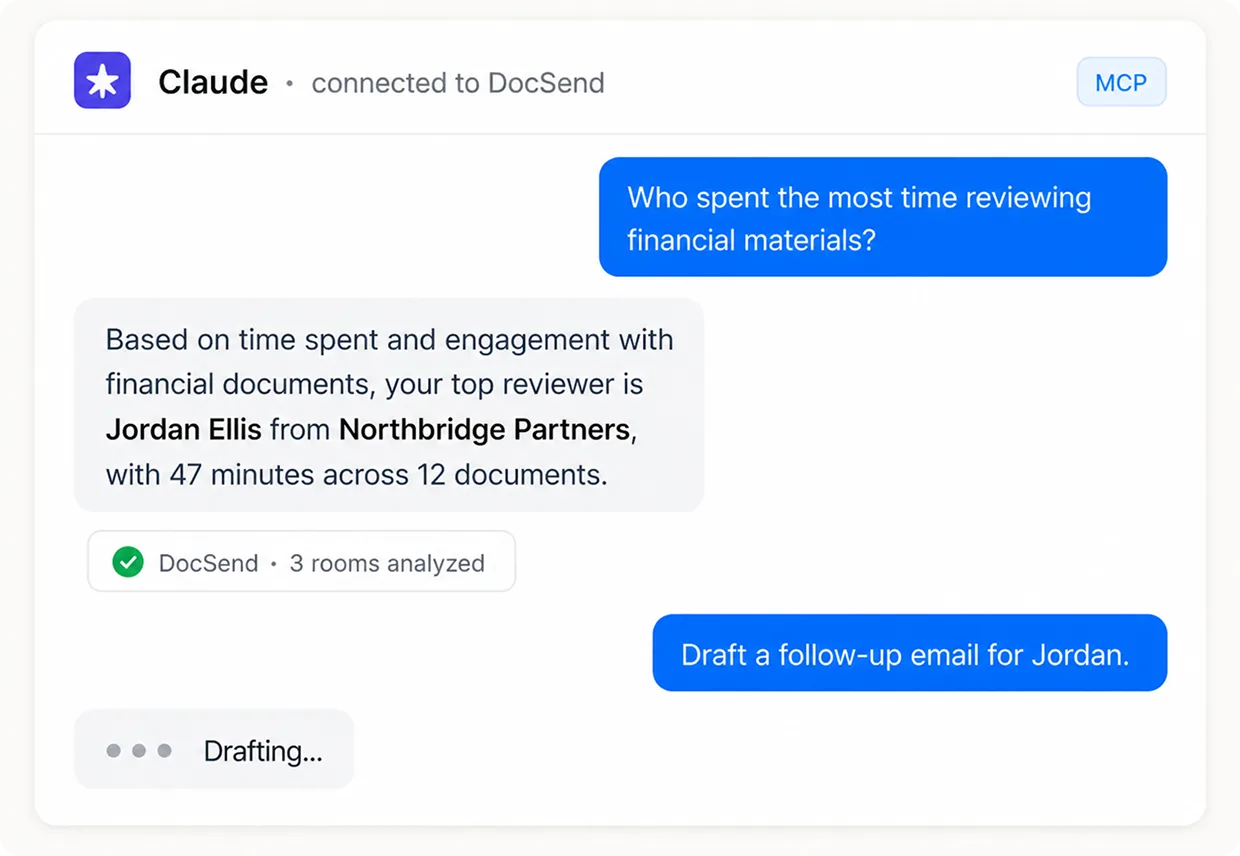
Engagement intelligence
Know who’s leaning in—and why
Turn DocSend engagement into signals of investor or buyer intent, so you can focus on the strongest opportunities first.
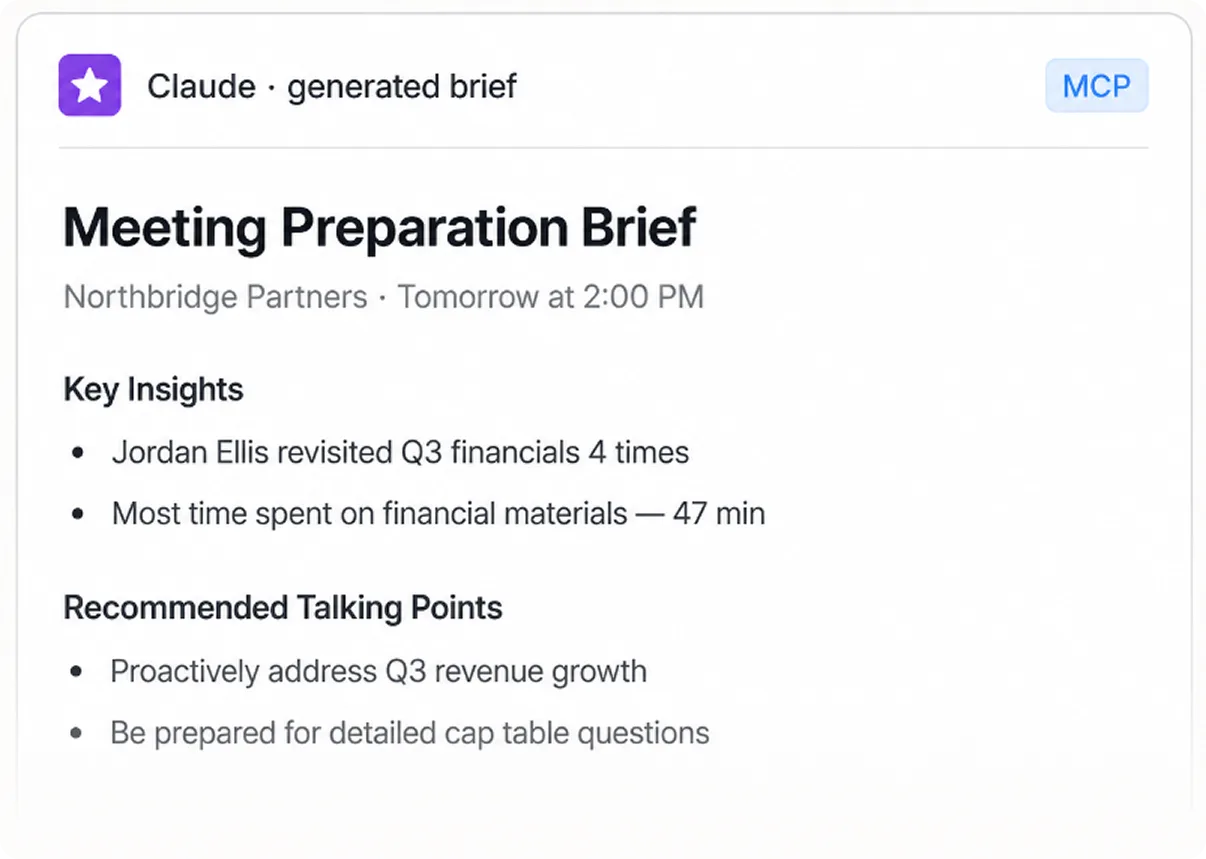
Meeting preparation
Walk into every meeting briefed
Use investor or buyer activity to anticipate focus areas, questions, and talking points for your next conversation.
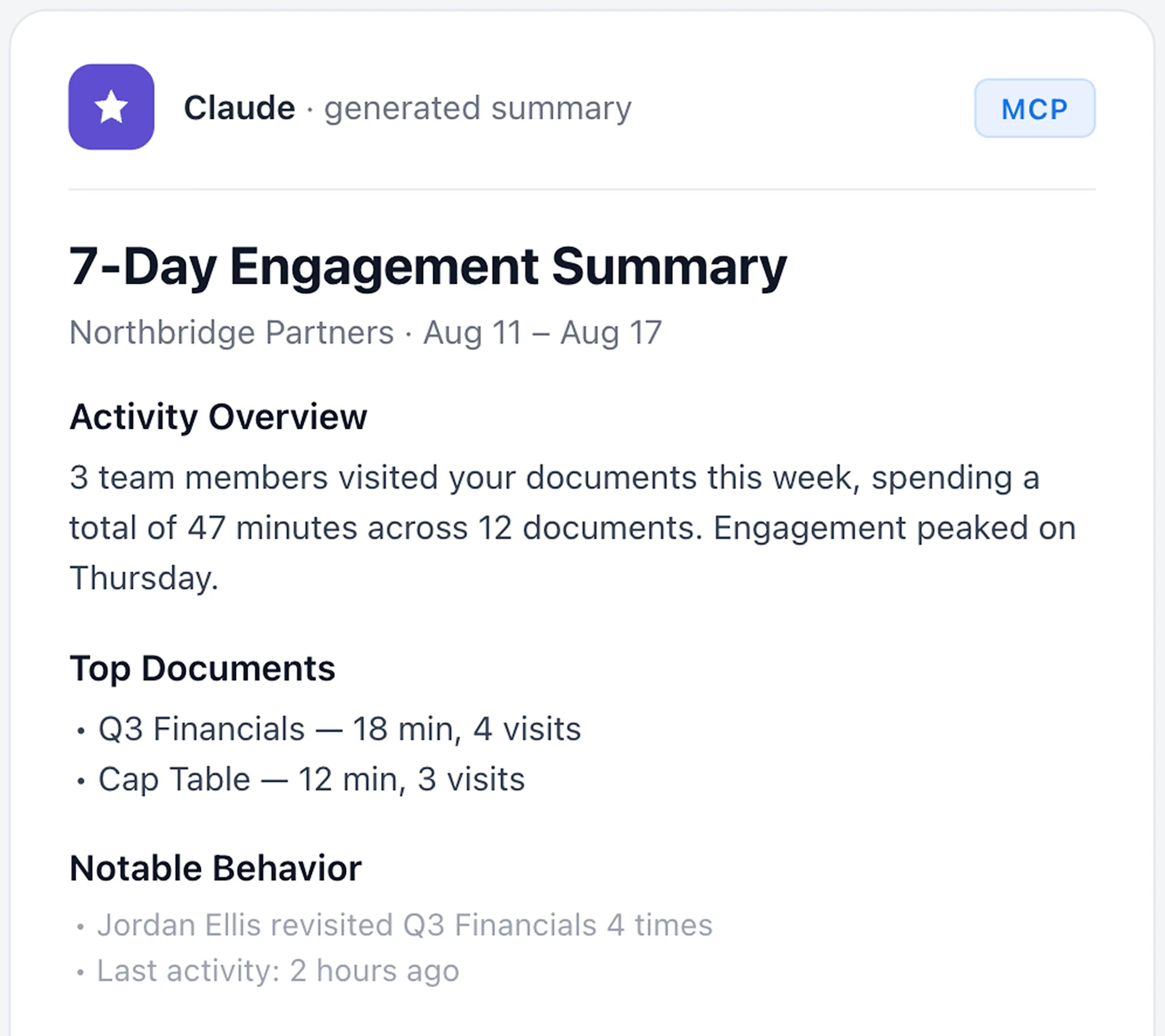
Workflow automation
Move from insight to action
Draft follow-ups based on what an investor or buyer reviewed, and find answers across live deal documents without manually searching DocSend.
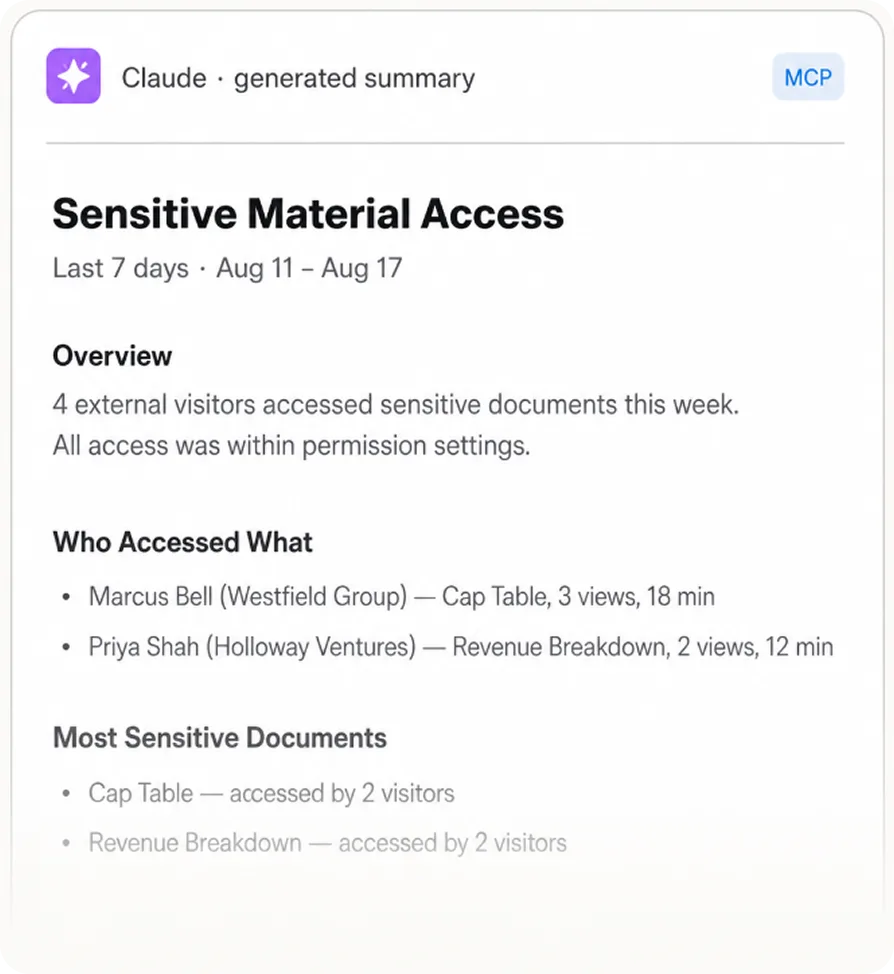
Security and auditing
Stay in control of the deal
Every MCP interaction follows your DocSend permissions and is fully auditable.
Perguntas frequentes
MCP is an open standard that lets AI assistants securely connect to external tools and data sources. It lets your assistant query, understand, and act on live information where it already lives—without copying documents into a chat or moving data between systems. The DocSend MCP server gives supported AI assistants permission-aware access to your data rooms.
DocSend works with MCP-enabled assistants, including ChatGPT, Claude, and Microsoft Copilot.
All MCP interactions follow the existing DocSend security model. The assistant can access only content the connected account is already authorized to view—no exceptions.
MCP uses secure, permission-based authentication tied to your DocSend account. When you connect your assistant, it uses the existing DocSend login and authorization flow and follows the same standards that protect your account.
MCP is currently available to users with the Advanced Data Room plan.
No. Visitors (recipients of a shared content) can’t use the MCP server.
No. MCP lets your assistant query, summarize, and act on content that already lives in your DocSend room. There’s no need to download or re-upload documents. Files stay where they’re secure and permissioned, and act on your DocSend content.
Yes. Views, grants, and permission changes are recorded in the DocSend audit framework, ready when regulators or your security team ask.